Machining - Pantograph
Drive Belt
The drive belt is a 4mm polyurethane cut at 60". The ends are joined by heating with a heat knife and melting slightly. Then push the ends together. Finish by grinding the bulging material off to make a smooth transition from one end to the other.
Manuals
Operating Instructions: Phanograph Operating Instructions.pdf
Spare Parts: Phanograph Spare Parts Catalog.pdf
Resources For Pantograph
60 degree engraving bits are a great place to start.
These are the ones used in the class: Amazon Engraving Bits
15 degree bits can be very fragile and 45 degree bits can cut a wide path. Feel free to experiment.
Chronova Engineering has great pantograph content: Chronova Engineering
Inheritance Engineering has pantograph content: Pantograph Video
Tool Tutorial
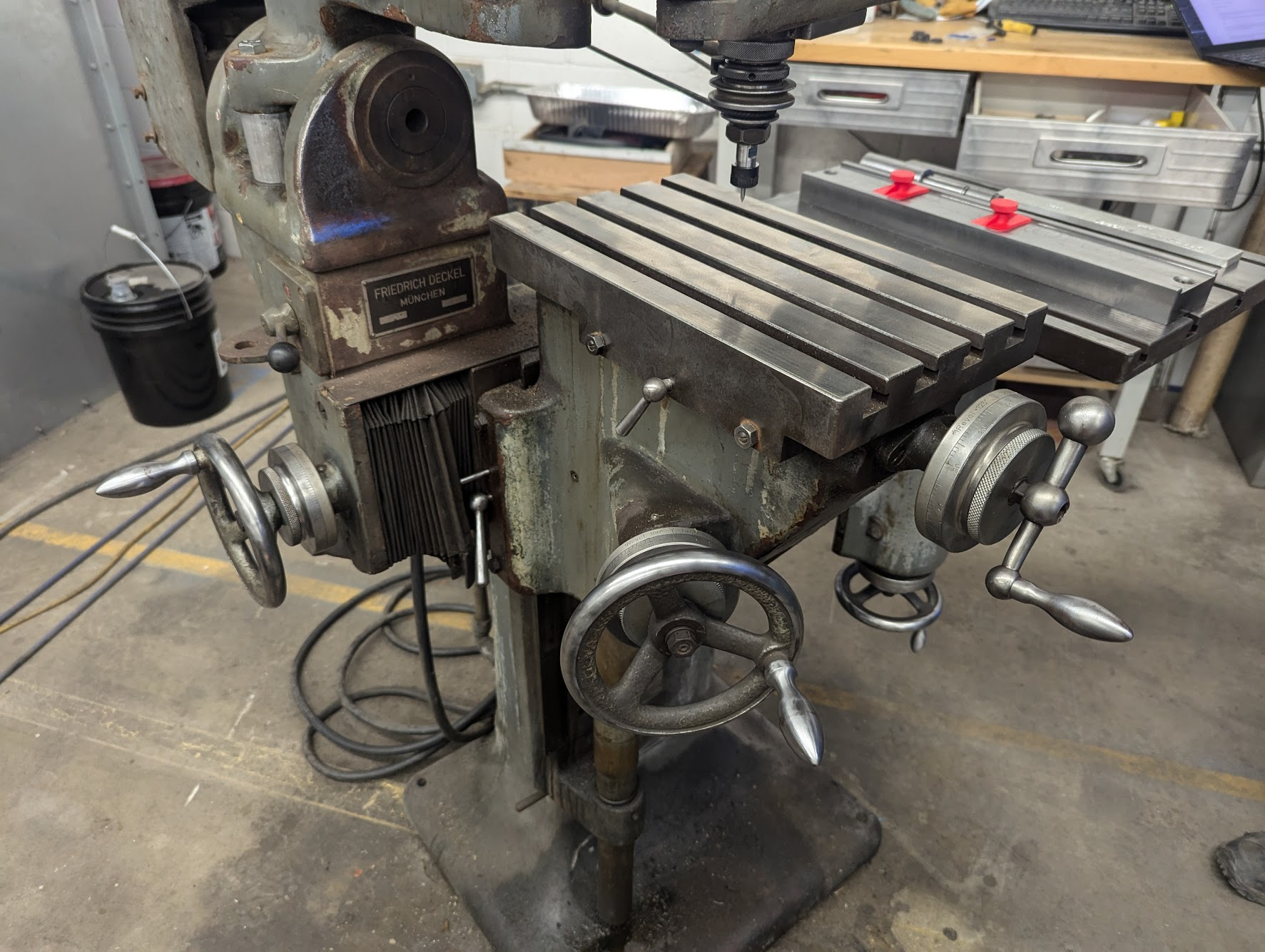
The pantograph is a tool that's especially useful for engraving - maker's marks etc. It uses a template and a 1.5x-10x reduction linkage to achieve very precise motion over a very small space without the aid of a CNC machine.
Basic Info
- This machine has two tables: Pattern table (which holds the pattern) and work table (which holds the piece being engraved).
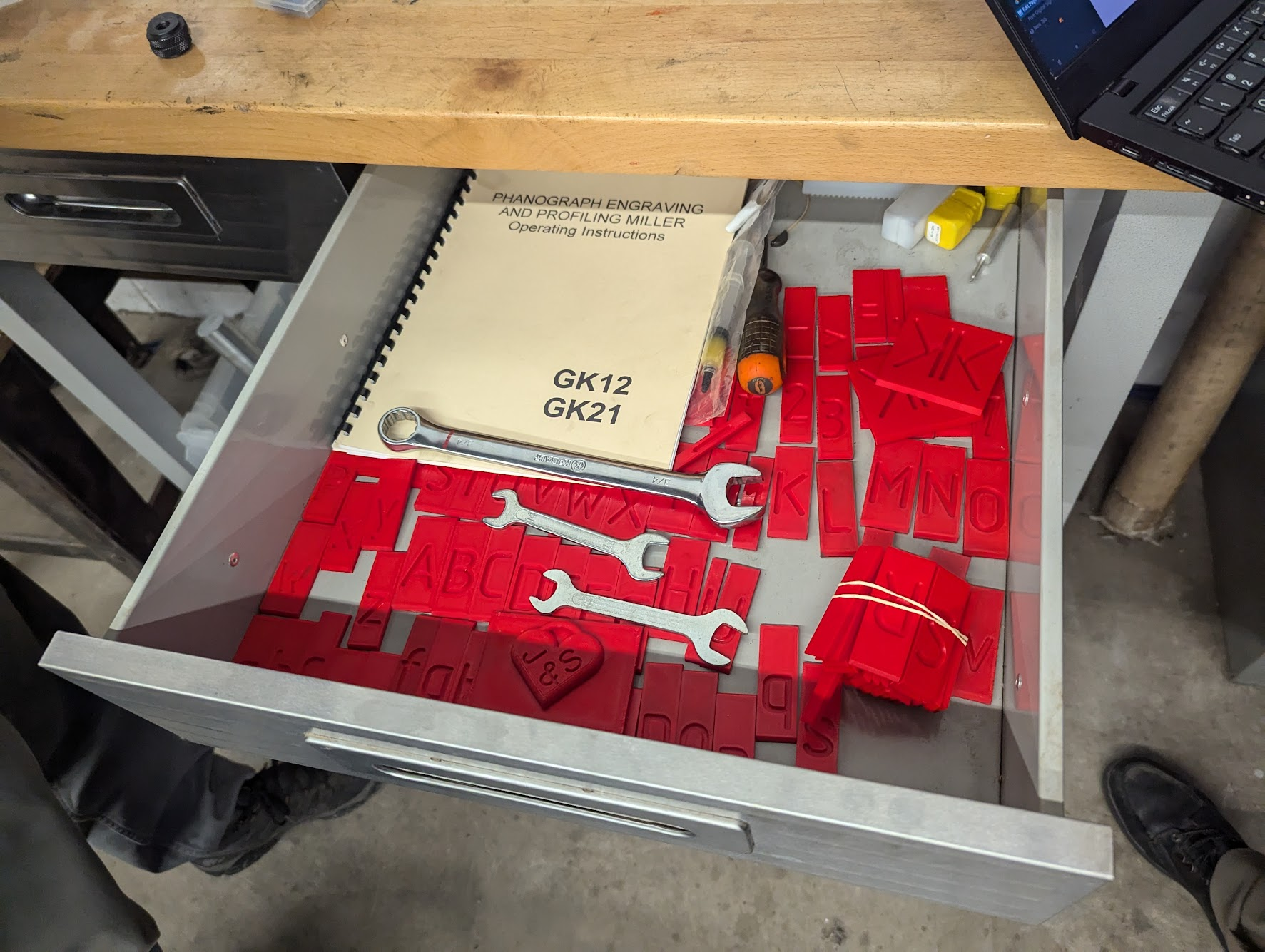
- All user adjustments require the 3/4" wrench, or the two small collet wrenches for changing end mill bits, located in the drawer of the adjacent desk.
- 3/8" collet is holding a reducer collet that usually contains a collet for 1/8" end mills and engraving bits. A 1/4" collet is in the drawer, if needed. 1/8" bits with a 60º grind are recommended.
Approved Materials
- Aluminum
- Copper
- Brass
- Bronze
- Steel
- Plastic/Delrin
- Please seek advice on any other materials
Safety
- There are spinning elements on this machine and entanglement is a risk
- Glasses are mandatory when operating
- Short sleeve shirt or long sleeves that can be securely rolled up
- No dangling hoodie ties, necklaces, wrist watches, etc.
- Long hair needs to be tied back and secure
2D Mode
Warning: 2D mode only works on FLAT surfaces - make sure your stock material is flat where you are about to engrave.
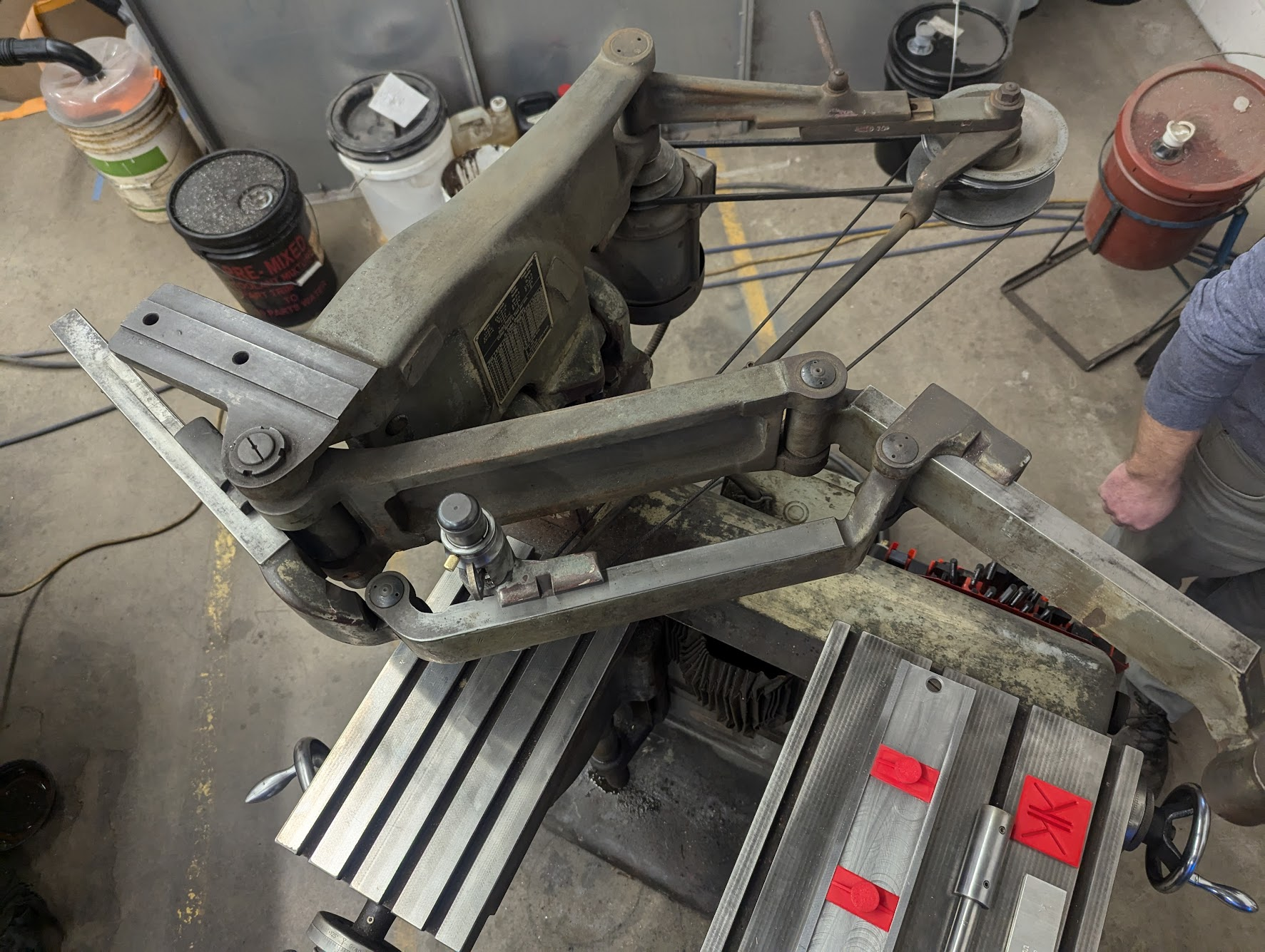
- Decide on the reduction ratio - how small the result is. All three segments of the arm should be set to the same value indicated on the top of the segment. All 5's for 5:1, all 3's for 3:1 etc.
-
- To change reductions, make sure the stylus is NOT loaded; changing while the stylus is loaded risks breaking the stylus
- Use the 3/4" wrench to loosen the nuts on the back of each of the arm segments, then slide the gauge to the correct number and re-tighten - only a little tightness is needed, don't crank these down.
- Crank the pattern table hand wheel out so that the end of the arm is appropriately located over the top of the pattern table - the two tables must be farther apart for a larger reduction, and closer together for a smaller reduction.
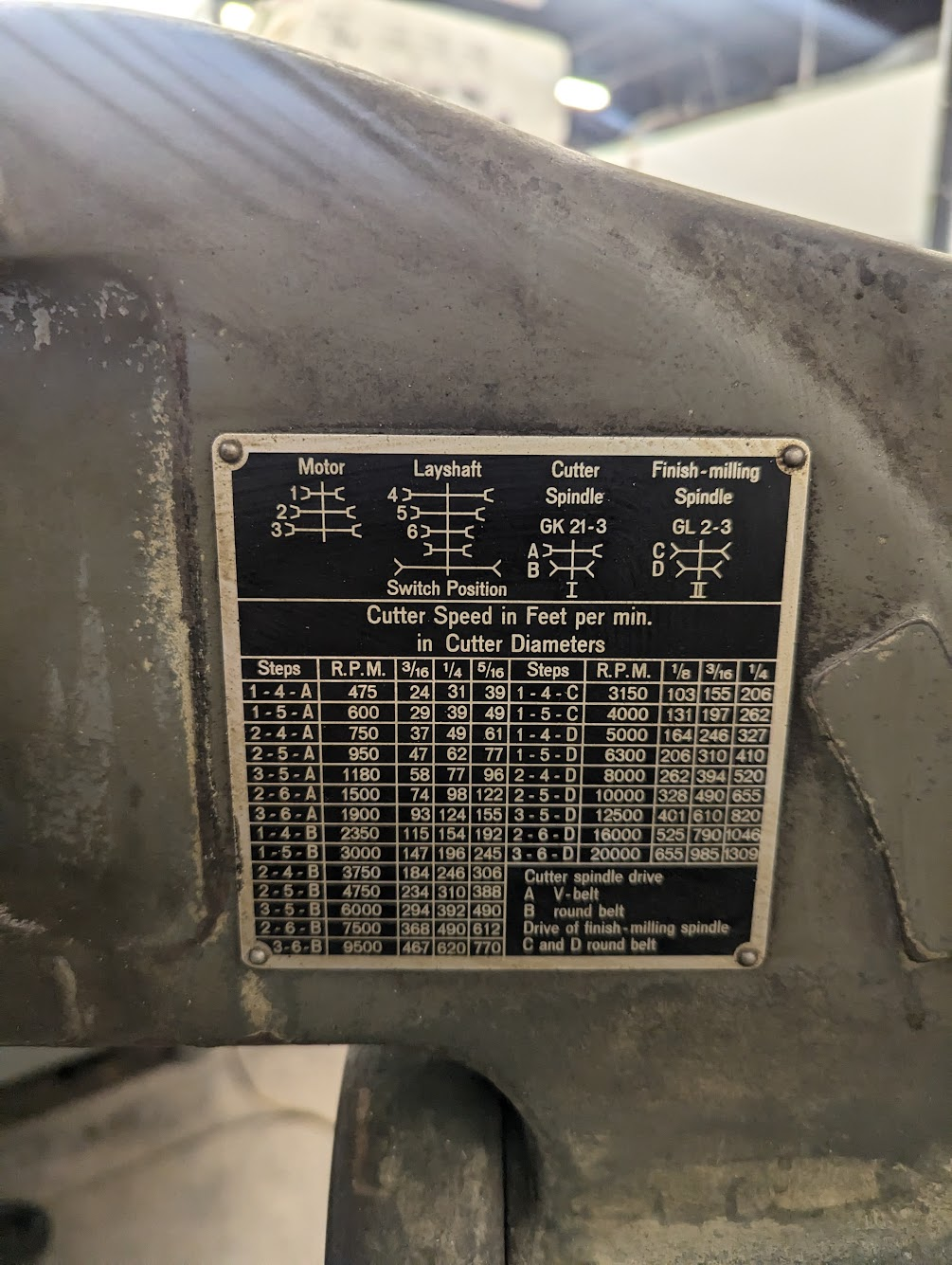
- Ensure it's at the highest speed if engraving (20k RPM); for larger bits consult the table on the plaque on the side of the machine

- Ensure all the axes are unlocked as you typically won't need to use them when engraving - X lock is underside of the machine below the knee, Knee lock is to the left of the knee wheel, Y is on the left side of the worktable.


- If needed, zero the gauges on the hand wheels by loosening the large knurled nut and hand placing the gauge at 0", before tightening it again. In basic usage, you probably won't need to do this.
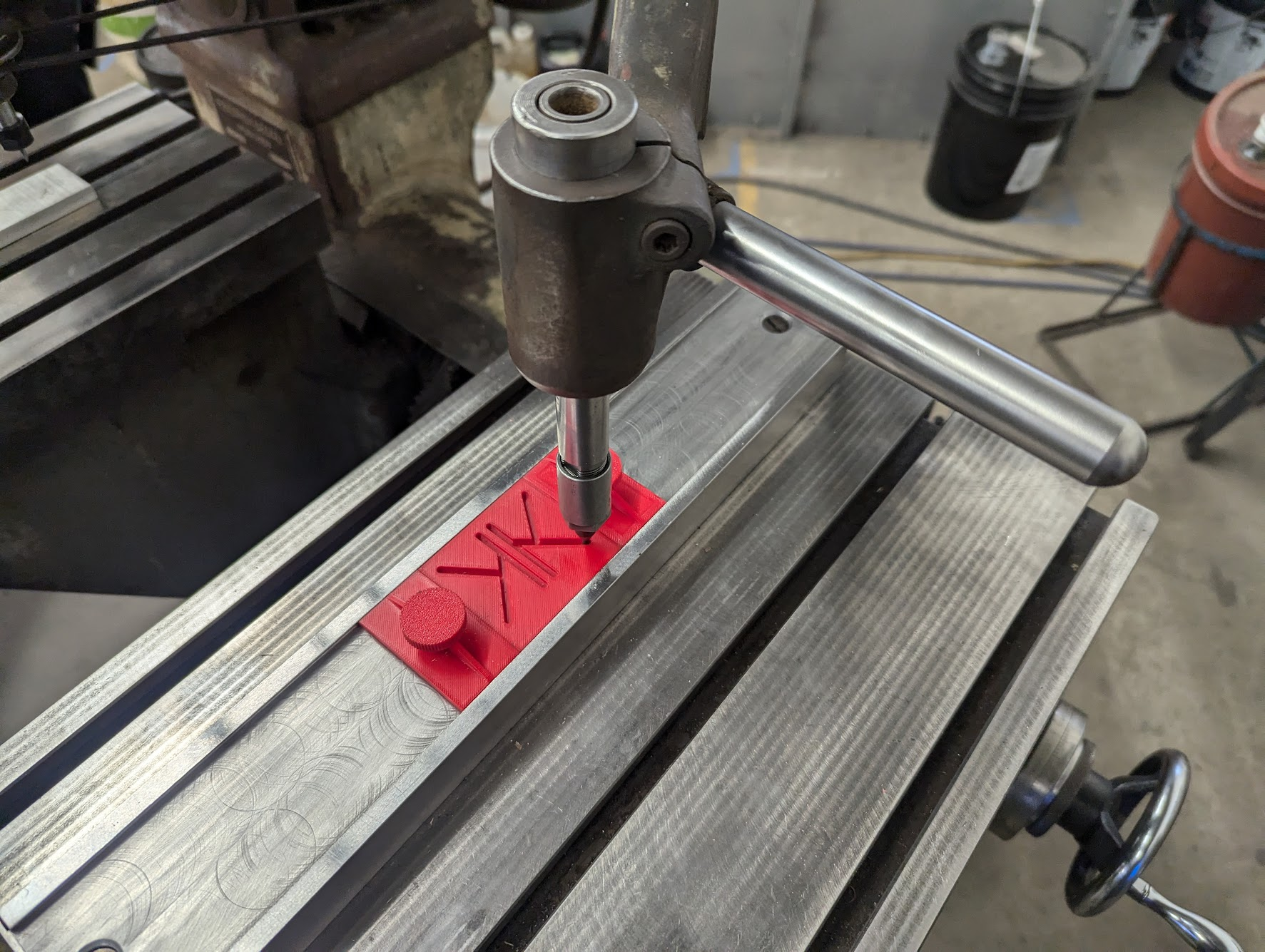
- Firmly attach your engraving pattern to the pattern table. If using the pattern jig, add the end stops and ensure the knurled knobs are snugged so the pattern stays in place. Letter stencils and operator's manual are also located in the right side desk drawer.

- Insert stylus; note: the locking screw holding it in place is intentionally loose so it can be raised and lowered out of the design when doing 2D engraving.

- Load the desired engraving bit using the two collet wrenches located in the desk drawer. Use only one hand when loosening/tightening collets - snug is good, heavily cranked down is no good.
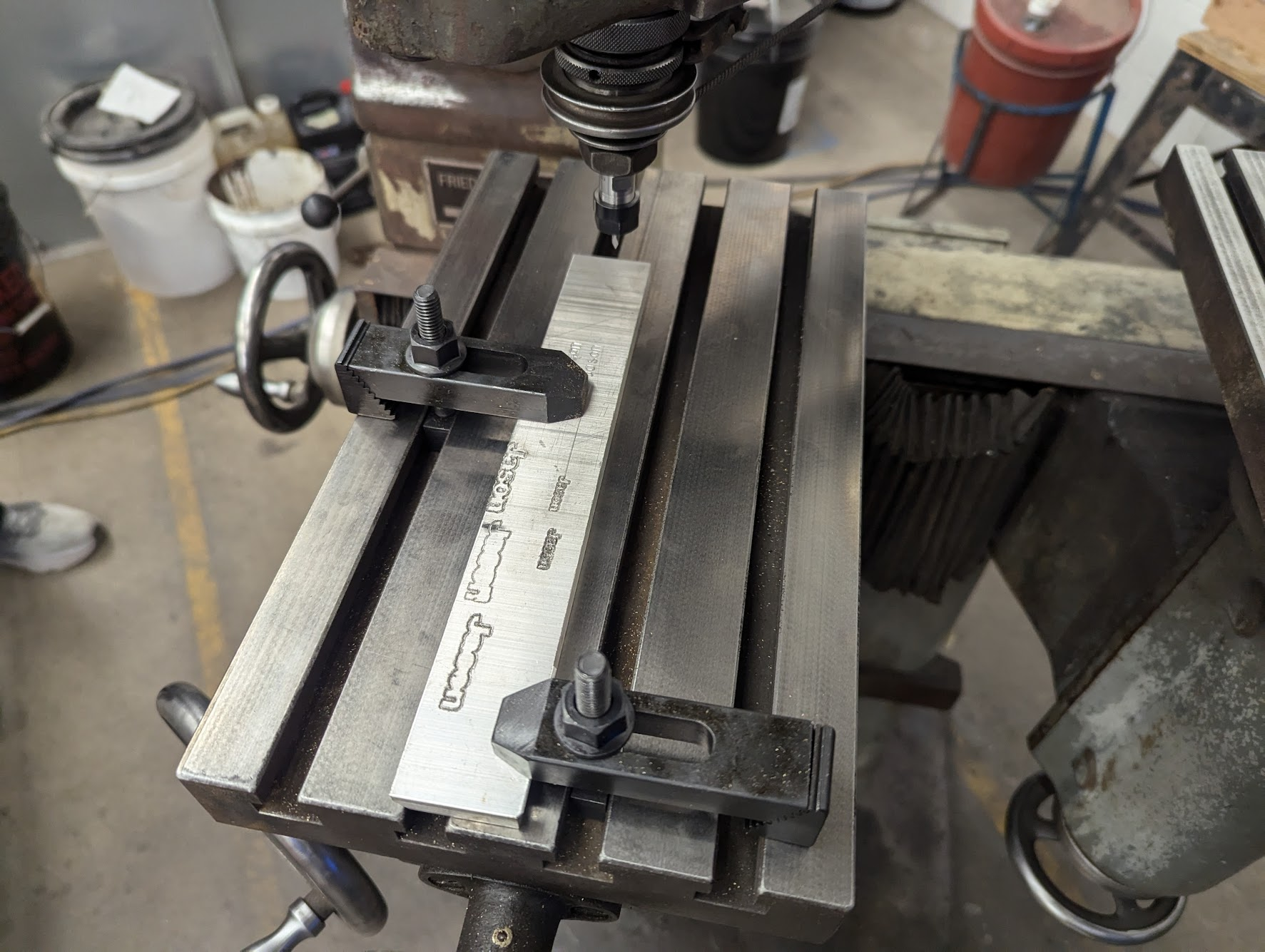
- Clamp down your stock material - you may use the stylus and the pattern jig to better align the stock to be engraved, and the toe clamp kit mounted to the side of the machine for holding it down. As with other aspects of this machine, the clamps do not need to be overly tight. Snug is good.

- Near the toe clamp set, there is a large off/on switch, move the switch to 'on'.
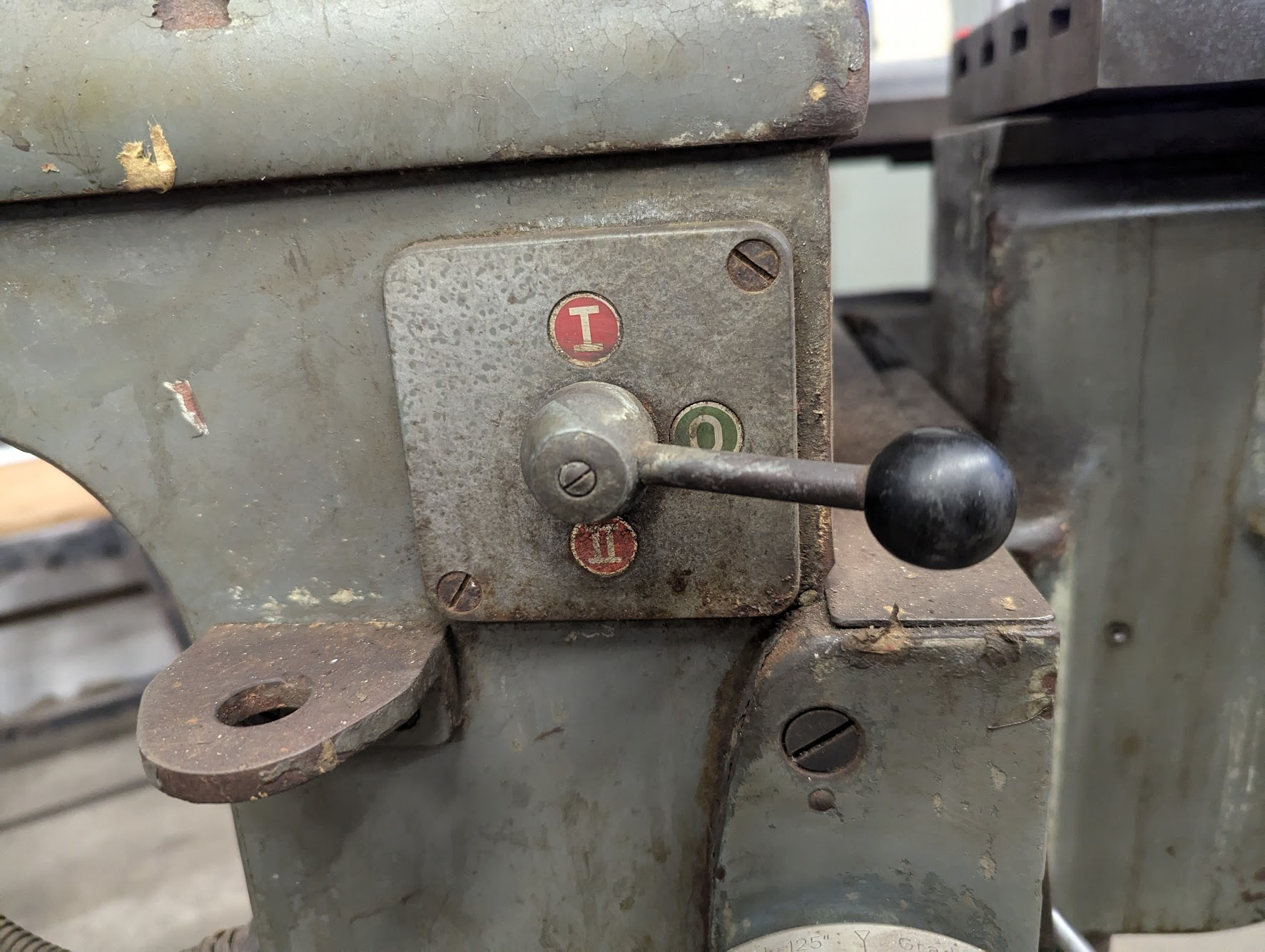
- Throw the red switch at the back of hte machine to turn on power, then the power switch is on the left side by the engraving table to start the spindle. NOTE: Low speed (i.e. "I") does not work, just use high speed ("II").

- Wait for the motor to come up to speed - it takes a couple seconds.
- Use cutting fluid while engaving (WD-40 for aluminum, trim-sol for mild steel)
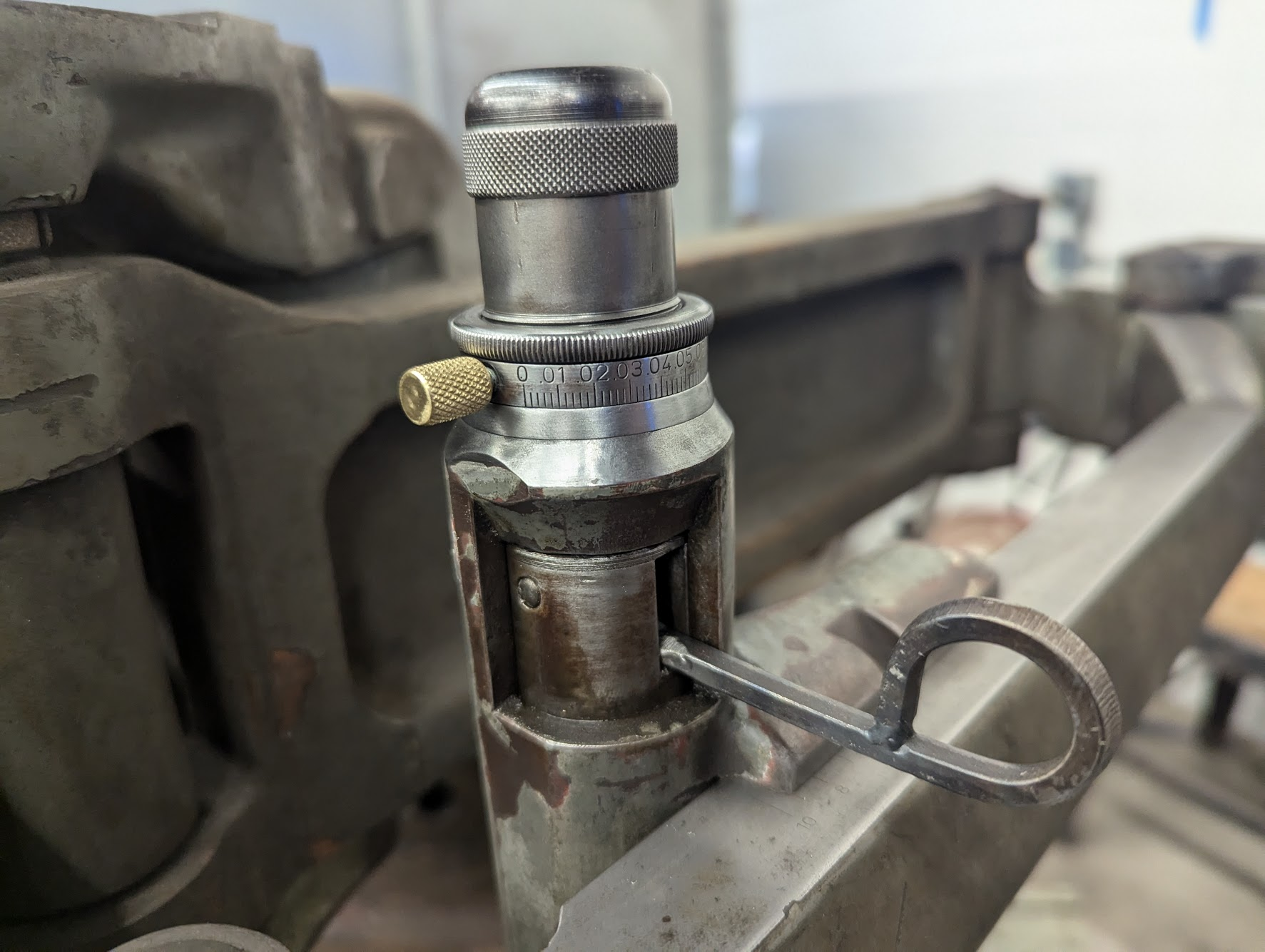
- For fine depth adjustment, lower the loop on the front of the spindle and slide it left/right to fine adjust depth, also loosen the knurled lock ring on top of the spindle (above the brass knob) to adjust the maximum depth of cut.